FXServer Installer
Back to portfolioDesktop application
FXServer Installer
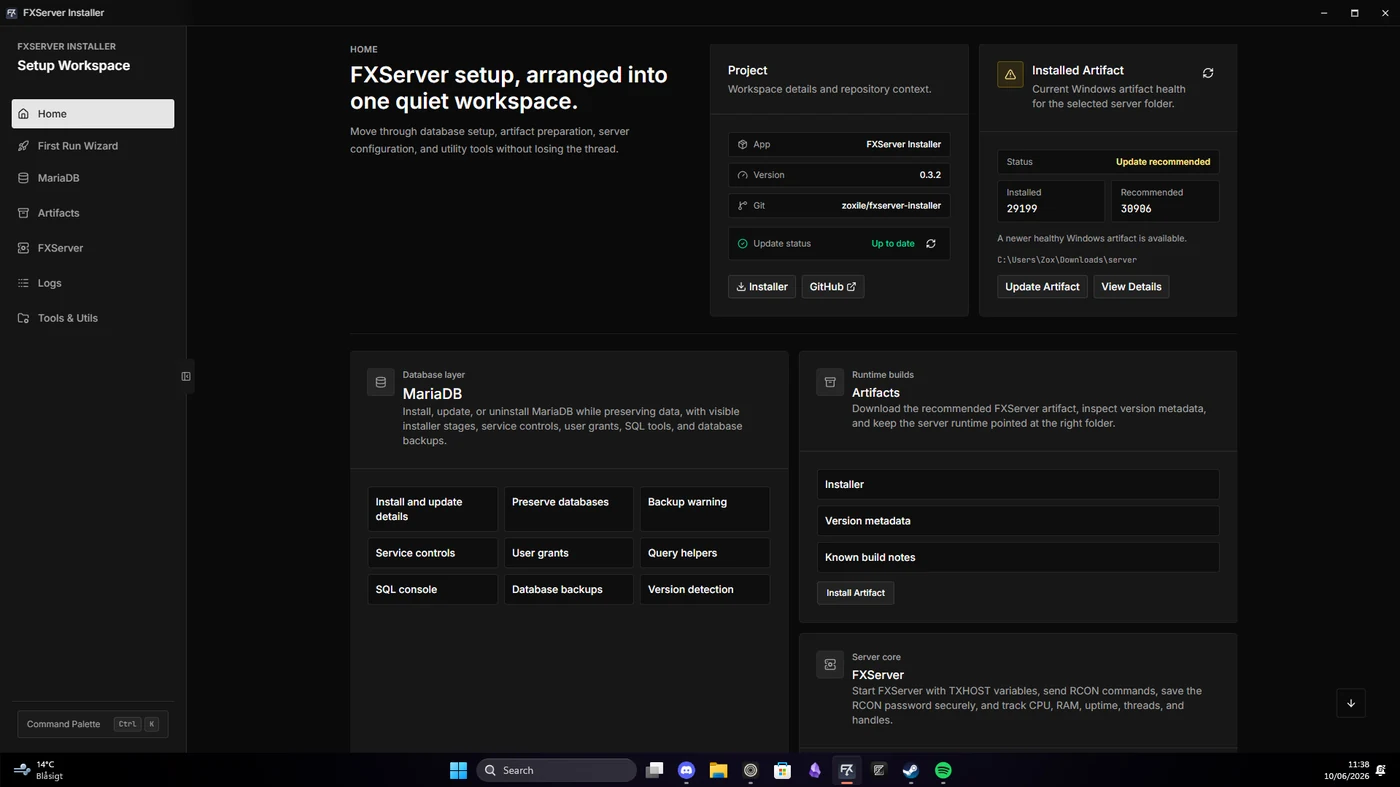
A Windows app for setting up, configuring, running, and maintaining an FXServer workspace in one place.
- Role
- Design and application development
- Interface
- Svelte / TypeScript
- Desktop
- Tauri / Rust
- Platform
- Windows
The challenge
Setting up and running FXServer usually means moving between installers, folders, configuration files, browser dashboards, terminals, and database tools. I wanted those jobs in one app, with clear feedback when something changes or fails.
The approach
Tauri and Rust handle native operations, while Svelte and TypeScript power the interface and application state.
Updates and destructive actions show progress, warnings, logs, and recovery options instead of running silently.
The app follows the way an FXServer is managed: setup, artifacts, configuration, MariaDB, server control, resources, and diagnostics.
Inside the project
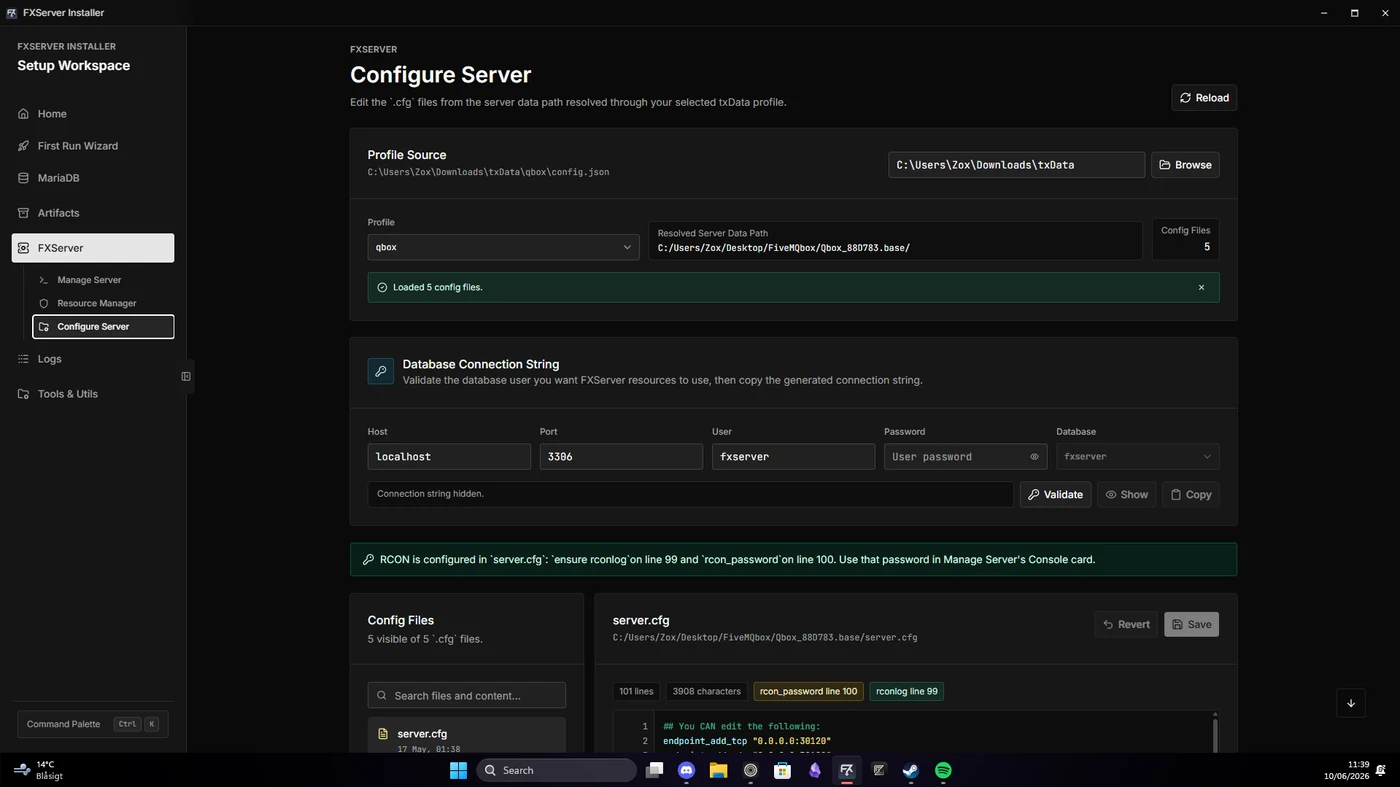
- First-run workspace checks
- FXServer artifact management
- Configuration editor and helpers
- MariaDB lifecycle and query tools
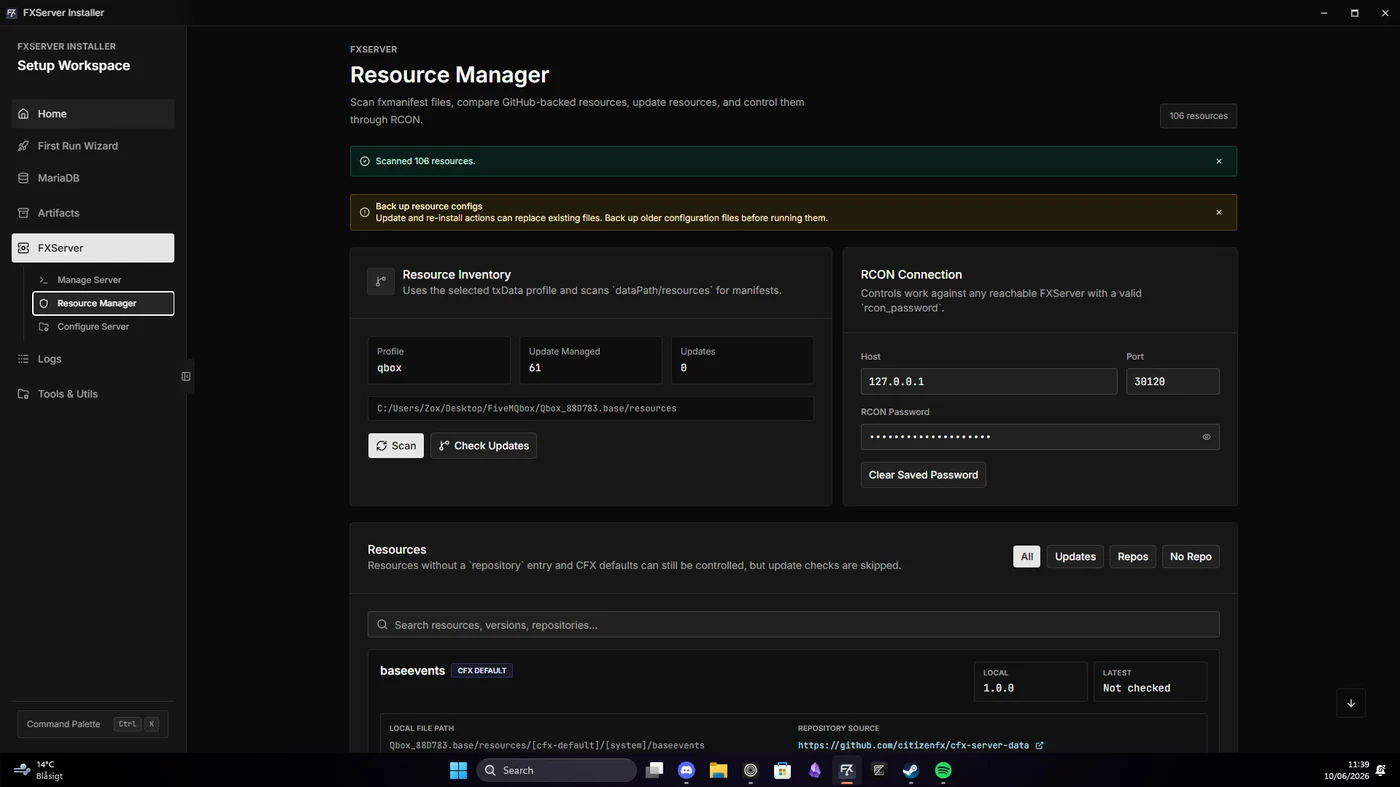
- Server control, RCON, and performance data
- Resource updates, logs, and utilities